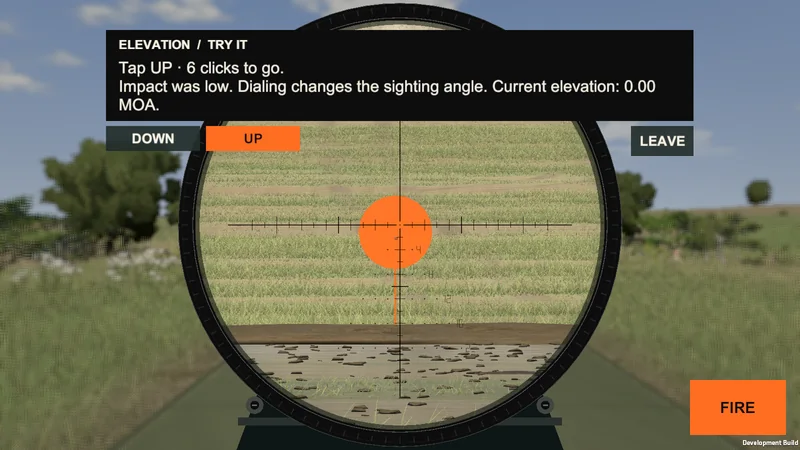
01 / Guided lessons
Range School
Learn aiming, elevation, wind calls, and instruments through guided shooting lessons. Complete the exercise before moving to the next skill.
Long-range shooting for mobile
Plinking Range / MobileDial elevation, read changing wind, and shoot steel from 300 yards to one mile.
Coming to iPhone, iPad and Android. Two rifles included free.
View gameplay01 / The shot
Drag to aim, adjust elevation and windage, and fire. Impacts show where your shot landed; instant replay follows a successful hit.
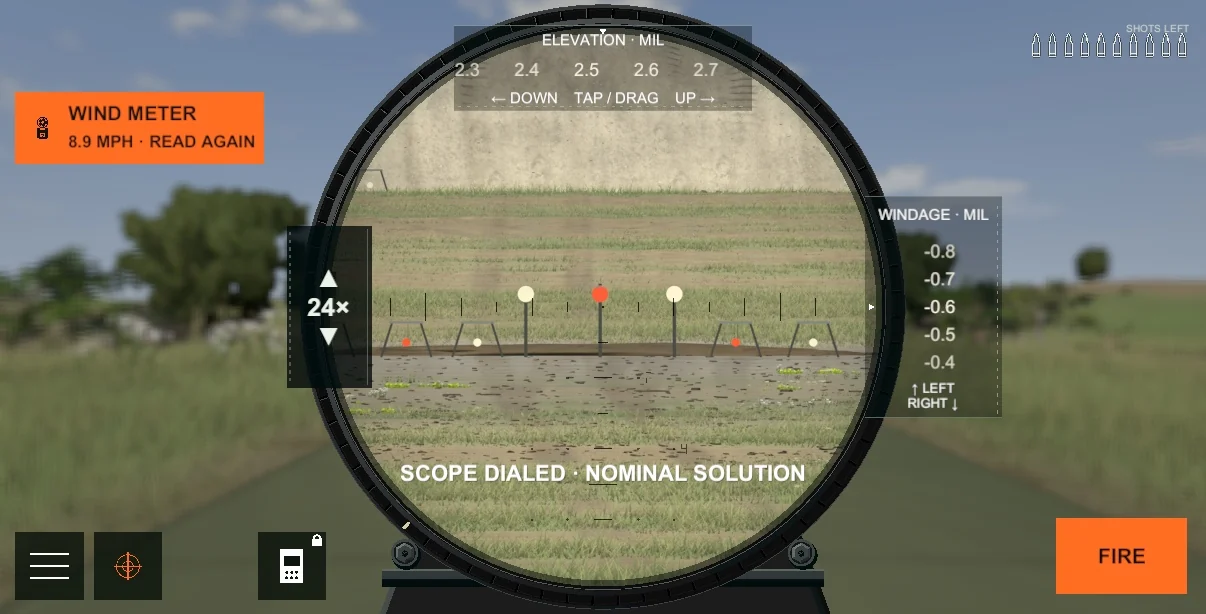
Instant replay
Replay a successful hit in slow motion. Watch the muzzle view, switch to the bullet-follow camera, and inspect the impact.
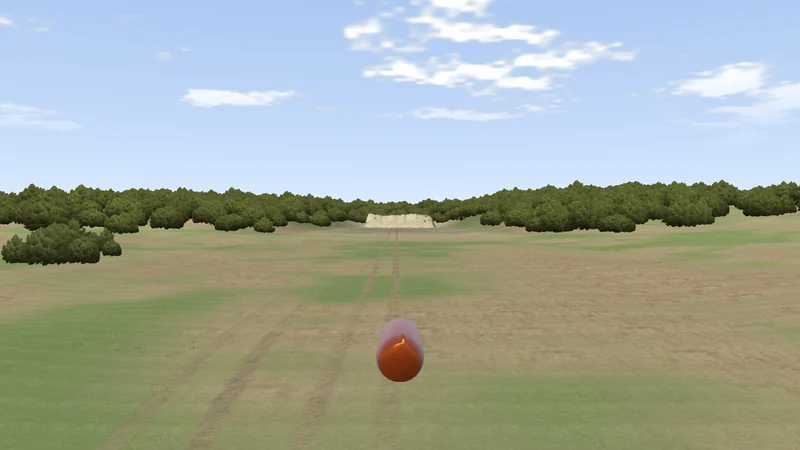
Through the scope
Actual 35× scope views from the range. The same magnification, with more distance between you and the steel.
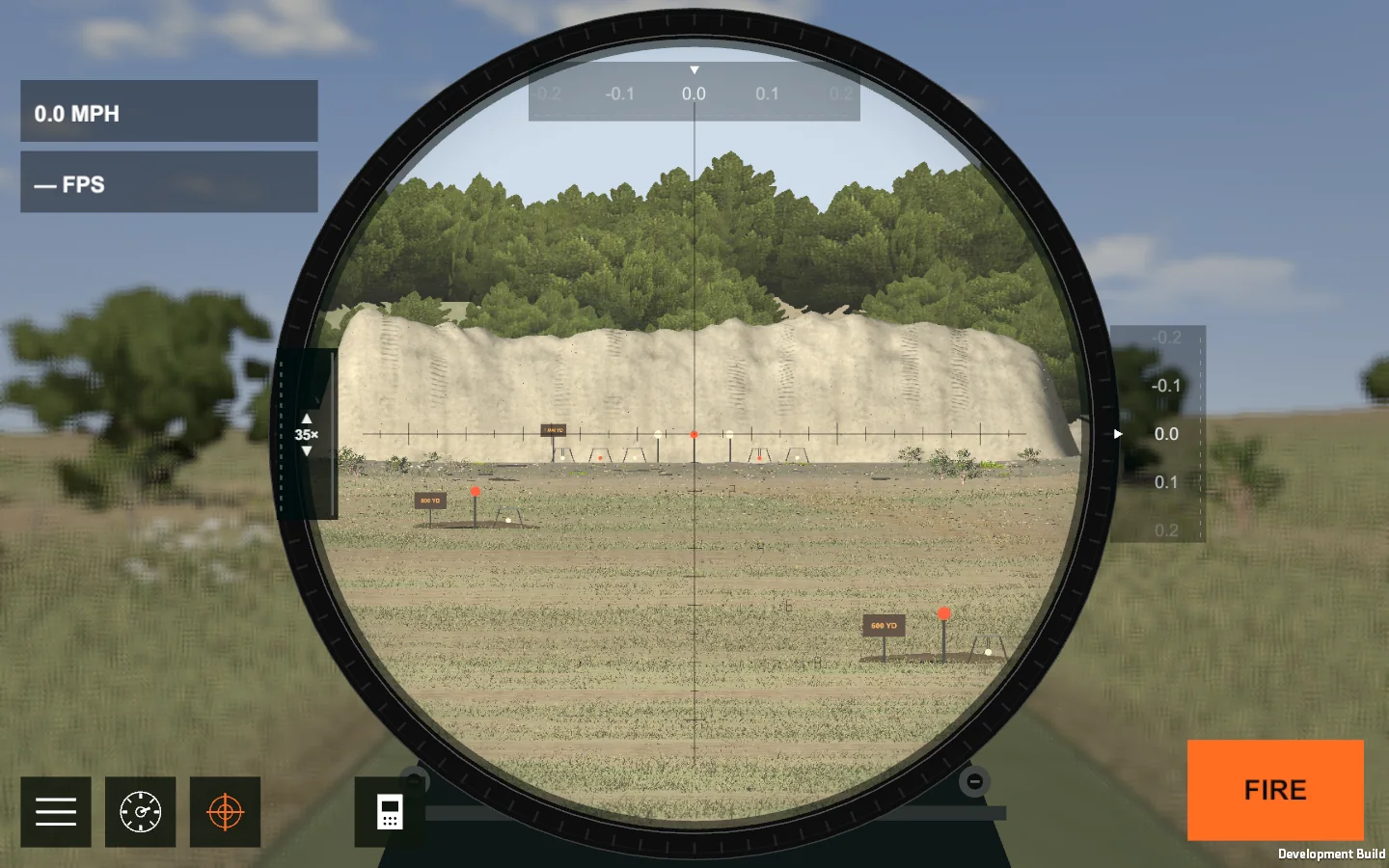
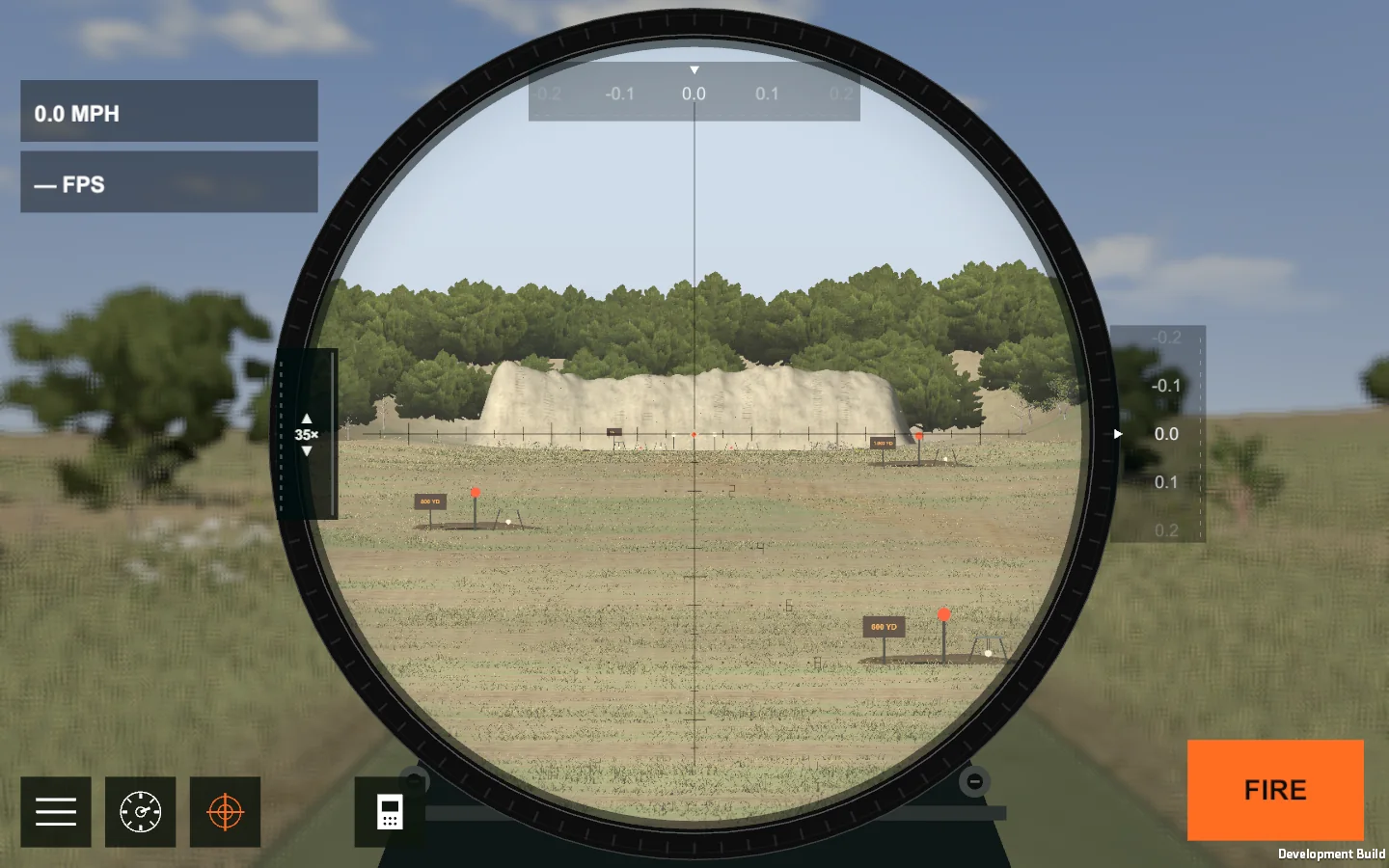
Actual game screenshots captured in Unity. Interface and presentation may vary by device.
02 / Game modes
Learn the controls, practice without a score, compete in Challenges, or take on waves of Zombies.
Learn aiming, elevation, wind calls, and instruments through guided shooting lessons. Complete the exercise before moving to the next skill.
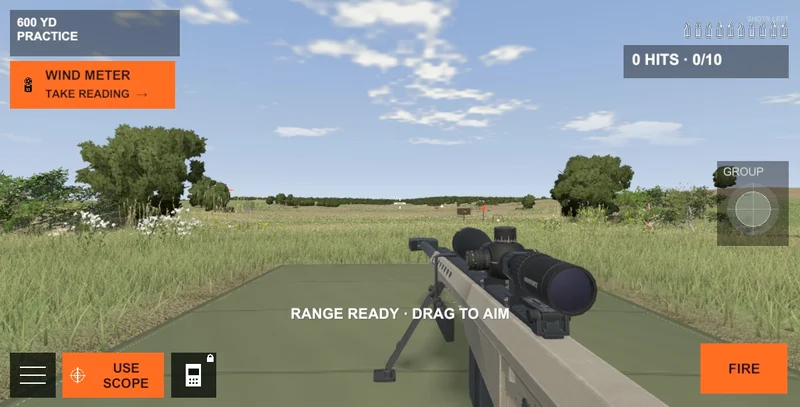
Choose 300, 600, 800, 1,000 yards, or one mile. Shoot fixed or moving steel, try the instruments, and review your hits and group spread.
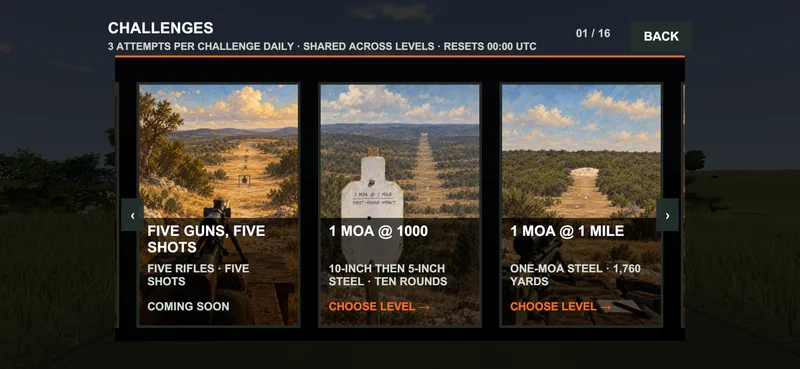
Shoot defined objectives with round limits and changing conditions, including 1 MOA at 1,000 yards and one-mile challenges. Submit eligible scores to the leaderboards.
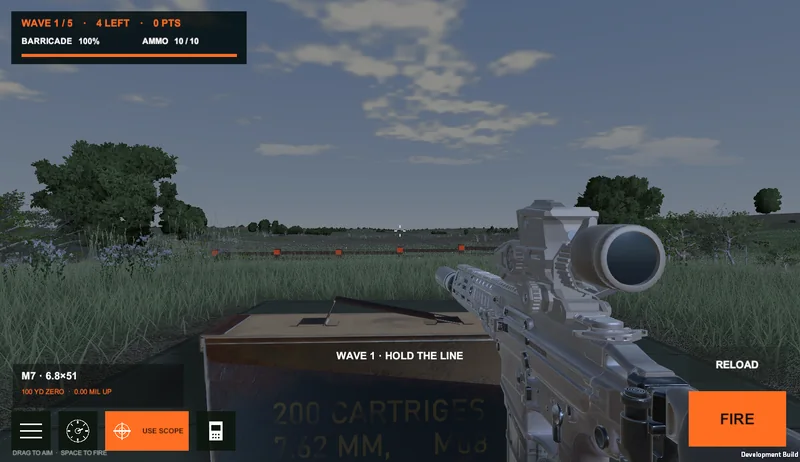
Shoot approaching zombies before they reach your position. Prioritize targets, manage your shots, and survive successive waves.
03 / The armory
The Barrett M82A1 and suppressed Tikka T3x Varmint are free starter rifles. Both are available from the start.
Eighteen additional weapons are available as individual, one-time in-app purchases.
No weapon purchase required
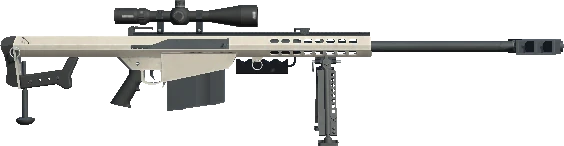
A .50 BMG rifle with a 7–35× long-range tree reticle. Included free with the game.

A suppressed .308 bolt-action with a 4–16× duplex scope and manual bolt cycle. Included free with the game.
Optional one-time purchases. Each weapon has its own caliber, optic, and game profile.
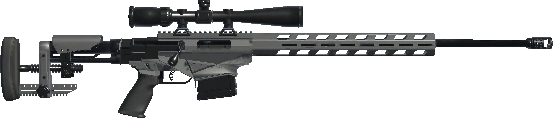
6.5 Creedmoor
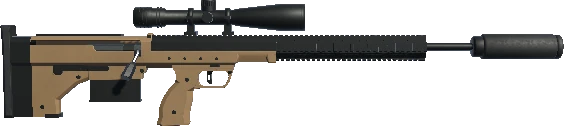
6.5 Creedmoor
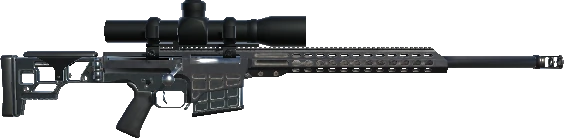
.300 Norma Magnum
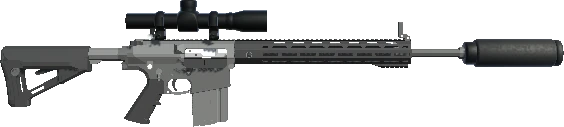
.308 Winchester
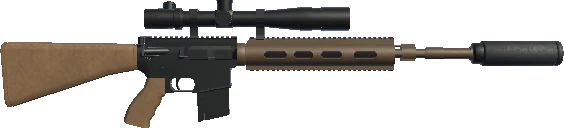
5.56×45 mm · Suppressed
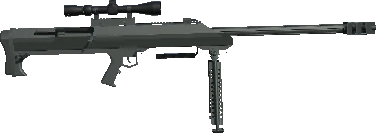
.50 BMG
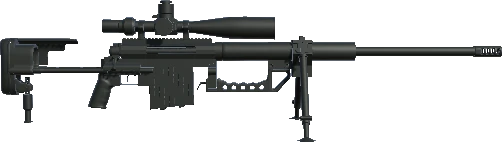
.408 CheyTac

.338 Lapua Magnum
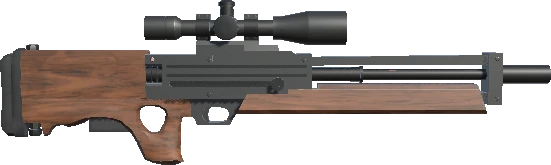
.300 Winchester Magnum
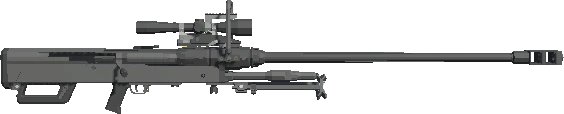
20×82 mm

7.62×54R · PSO-1 optic
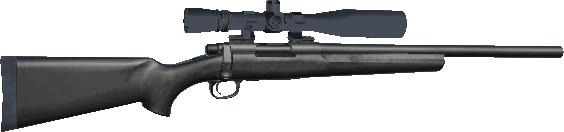
.308 Winchester

7.62×54R

.30-06 Springfield · Iron sights
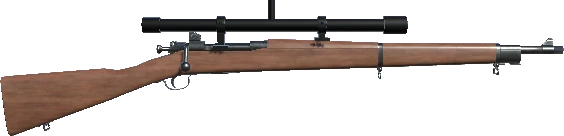
.30-06 Springfield
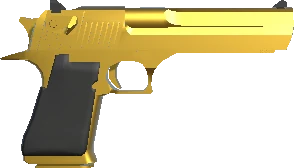
.50 AE
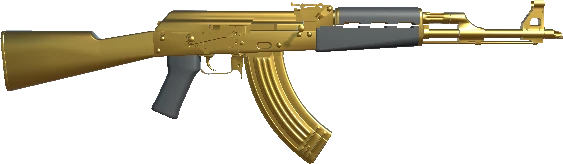
7.62×39
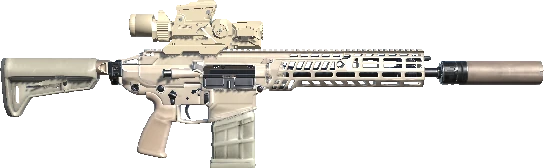
6.8×51 · 1–8× optic
M157 optic with a rangefinder and illuminated aiming cue.
Current US catalog prices. Local prices and availability may vary; the platform store shows the final price before purchase. All equipment shown is in-game content.
04 / Ballistics
A three-dimensional flight model calculates drop, wind deflection, and remaining velocity. G1/G7 drag, Coriolis, spin drift, and aerodynamic jump are part of each shot.
01 / G1 & G7 drag models
Drag changes as a projectile slows. The engine samples a G1 or G7 reference curve using its speed relative to the air and the local speed of sound.
Each ammunition profile pairs its curve with a ballistic coefficient (BC). Profiles with speed-banded data interpolate between BC values as Mach changes; others use a constant BC.
The local speed of sound. The sharp rise around Mach 1 is captured in the reference tables.
3D point-mass simulation
The engine advances the projectile in three dimensions, updating its position and velocity as gravity and aerodynamic forces act. A shot is calculated independently of the display frame rate.
Crosswind changes the bullet’s initial vertical angle. The flight model carries that small change downrange.
Reverse the crosswind or the barrel’s twist direction, and the jump reverses too.
From the scope to the impact
The muzzle starts below the scope’s line of sight. A fixed reference zero sets the bore angle; MOA or MIL adjustments change the launch direction. Scope cant rotates those correction axes.
The solver supports cant and vertical wind; the live range currently leaves both at zero.
Rifle profiles add variation to launch direction and muzzle velocity. The first round also receives the profile’s cold-bore offsets. The chronograph records that round’s actual launch speed.
The computer calculates a nominal solution; it does not cancel random shot variation.
A moving target keeps traveling while the bullet is in flight. The computer iterates its prediction using the target’s position at the expected arrival time. Hit checks use the target’s position when the shot reaches it.
Each weapon has its own sight configuration and zoom range. Magnification changes the field of view. Marked precision reticles use first-focal-plane angular geometry, keeping their angular spacing consistent as zoom changes. Scope shading also responds to magnification and eye offset.
Misses are checked against the range’s ground-height model. The recorded flight is shortened at detected terrain contact so the tracer and impact resolve together. Successful-hit replay follows the saved flight.
A visible wake follows the recorded projectile path. It drifts with the wind and broadens as it fades. Added turbulence is a visual effect; it does not alter the bullet’s flight.
Plinking Range uses gameplay approximations. Its ballistic profiles and secondary effects are not validated firing data.
05 / Equipment
All three instruments are available to try in Practice. Purchase them individually or as a bundle for use where the mode’s equipment rules allow.
Measure wind speed and direction at the bench. The reading stays fixed until you sample again; it does not reveal the wind farther downrange.
Record each shot’s muzzle velocity and review the session average. Load the last shot’s measurement into the computer.
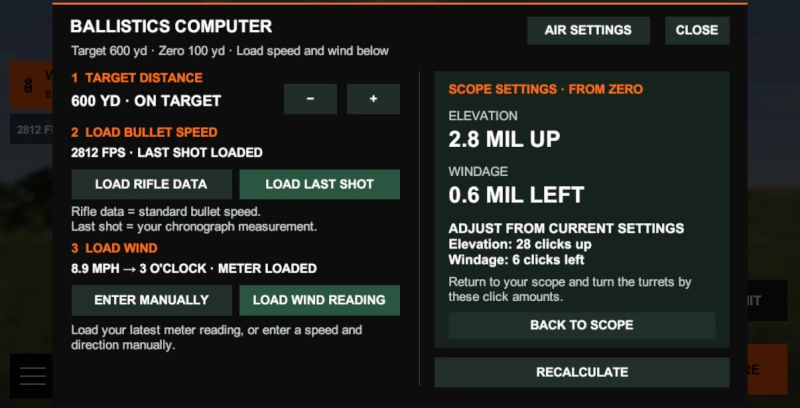
Calculate elevation and windage for the selected game rifle using your distance, wind reading, and measured velocity. Apply the result to the scope; changing wind can make a reading stale.
All three: Precision Tools Bundle · $2.99US catalog prices. Final local prices shown in the store.
Choose a gamer tag and opt into public leaderboards to submit eligible Challenge and Zombies scores. Practice results are unranked.
Sign in to save progress to your account. Guest progress stays on the device and is lost if the app’s local data is deleted.
Add a short bio and publish your collection for other players to view from your scores. Collections are private by default and can be made private again.
Report inappropriate profiles in-game. Block a player to hide their profile and scores on your device.
Plinking Range is coming to iPhone, iPad, and Android. Public launch is pending Android testing and store approval. Verified download links will appear here when the game is available.
You can start as a guest with progress saved on your device. A Plinking Range account is required for purchases, cloud progress, and leaderboard submissions. Sign in using email, Google, or Apple where available.
The Barrett M82A1 and suppressed Tikka T3x Varmint are included. Additional weapons and precision instruments are optional one-time in-app purchases. The platform store confirms the final local price before you buy. Sign into the Plinking Range account you use for your purchases.
Use your original Plinking Range account and sign-in method, check that the store completed the purchase, connect to the internet, and reopen the game. Guest progress is local; don’t delete app data while troubleshooting. See purchase and account help.
Email djfracking@gmail.com for help. You can delete your account in Profile → Account settings → Delete account, or request deletion by email. See our Privacy Policy for data choices.
Plinking Range / Coming soon
Coming to iPhone, iPad and Android.
Public launch follows Android testing and store approval.
No release date yet. Check back here for official store links.